Recipes / Replace an app / Notion
Notion alternatives built with Claude Code and Markdown
3 sourced recipes, all in Productivity. 3 need a paid plan, per their sources. 2 have an easy setup and 2 are no-code.
Setups where Claude Code works on plain Markdown or HTML files instead of Notion pages and databases: class notes with flashcards, database-style queries over a reading log, and an Obsidian planning vault. Each recipe links to its public source, with an honest reliability rating.
Start here
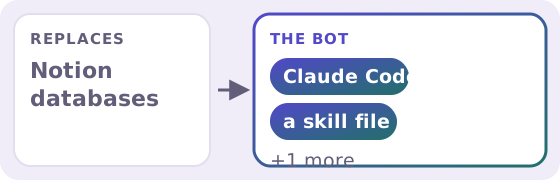
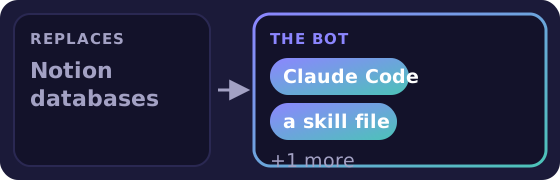
Why this one: the highest-rated easy setup here (3/5). Picked automatically from our data: easiest setup first, then rating, then running cost.
All recipes
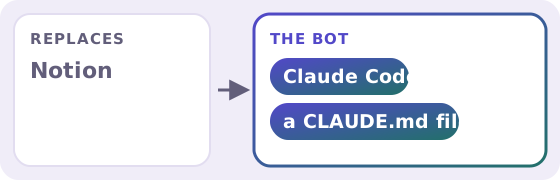
When to keep Notion
Keep Notion if you share pages and databases with a team, want a polished app on every device, or don't want to use a terminal. These setups need a paid Claude plan, send the files Claude reads to Anthropic, and the AI-written extras and query answers should be checked.
- A Notion database alternative: Markdown files and one Claude Code skill is not for: Teams who need a shared database UI. Main drawback: Answers are generated each time, so check counts on anything important.
- Claude Code for note-taking: lecture notes, flashcards and a dashboard is not for: Teams who share and edit notes together. Main drawback: The 'Beyond the Notes' extras are AI-written and can be wrong.
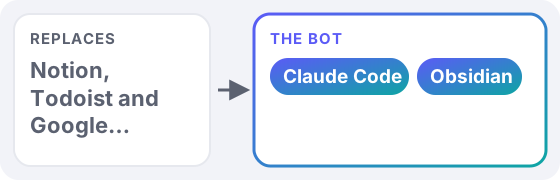
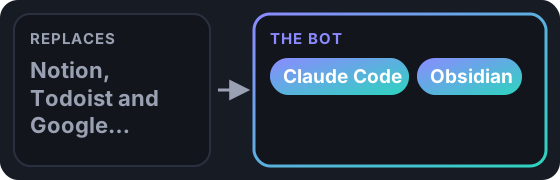
- Obsidian + Claude Code instead of Notion, Todoist and Sheets is not for: Teams that collaborate inside Notion daily. Main drawback: Terminal-based tool.
FAQ
How many recipes replace Notion?
3 sourced recipes, each linked to its public source with an editorial reliability rating.
Can an AI bot fully replace Notion?
Sometimes, for the specific jobs these recipes cover. Our highest-rated one is A Notion database alternative: Markdown files and one Claude Code skill (3/5). See “When to keep Notion” on this page for where the app is still the better choice.
Which one should I start with?
A Notion database alternative: Markdown files and one Claude Code skill: Easy setup, rated 3/5, running cost: paid plan needed.
What does it cost to run them?
3 paid plan needed. Tiers come only from what each source reports; we never estimate.
Do I need to code?
2 of 3 are no-code (a visual tool or ready-made app). Each recipe shows its skill level.
“Not reported” means the source doesn't say. Ratings are editorial, see methodology. Product names are trademarks of their owners; AppToBot isn't affiliated with them.
← All “replace an app” pages · Take the 3-tap quiz · Search all recipes
Questions, corrections or ideas?
Spotted an error, want a recipe covered, or have a partnership idea? Send us a message and we'll get back to you.
Starting your own newsletter? Try beehiiv ↗
What is beehiiv?
beehiiv is a newsletter platform: you write and send emails, host a newsletter website, and grow and monetize a list from one place. We've used it for our own newsletter.
beehiiv says (vendor claims, not tested by us):
- Free plan with up to 2,500 subscribers and unlimited sends
- Built-in website, recommendation network and analytics
- 0% cut of paid subscription revenue (Stripe fees apply)
Good for: starting or growing an email newsletter. Not ideal for: email automations or removing beehiiv branding on a $0 budget (those need Lite or Pro).
Free plan: $0, no card needed. Paid plans from $49/mo billed annually (Lite, up to 1,000 subscribers). People who sign up through our link get a 14-day trial plus 20% off their first 3 months, per beehiiv's partner page. Facts as of Oct 2026, from beehiiv's own website. More about beehiiv →